How-to

How to defer third-party scripts without breaking a dealer website

To defer third-party scripts safely, list every script on the page, sort each into needed now or needed after, move the second group to load after the page's main content, then check forms, chat and tracking still work. Never defer the code that shows the vehicle, the price or the lead form.

Get my free speed analysisTest my website

The four steps

  1. 1

    List

    Every script on a vehicle page, from the Network panel or the PageSpeed Insights third-party list.

  2. 2

    Sort

    Needed now: the vehicle, price, photos, lead form and consent banner. Needed after: chat, retailing, reviews, most tracking.

  3. 3

    Move

    Load the second group after the main content, with the defer attribute or after the page has loaded.

  4. 4

    Check

    Submit a form, start a chat and confirm analytics and ads still record the visit.
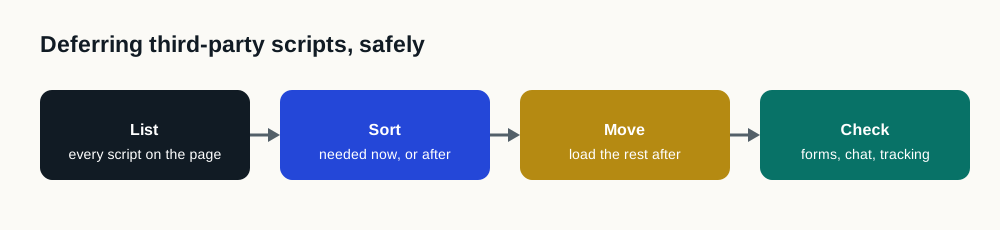
Four steps: list every script on the page, sort each as needed now or needed after, move the rest to load after the page, then check forms, chat and tracking still work.

Mistakes to avoid

Site Speed Engine does this sorting on every page automatically, and loads your normal website if it can't run. See also third-party scripts.

  • Deferring code the page needs to draw the vehicle or the price.
  • Deferring everything with one plugin rule and not checking forms.
  • Changing many tags at once, so a break can't be traced.

Sources

Questions

What does it mean to defer a script?

Telling the browser to load a script after the page's main content instead of before it, so the page shows sooner.

Which scripts should never be deferred?

Anything the page needs to show the vehicle, price and lead form, plus a required consent banner.

How do I test that deferring scripts didn't break anything?

Submit each form, start a chat, and check analytics and ad platforms record the visit, on a phone.