Large banners and video on phones
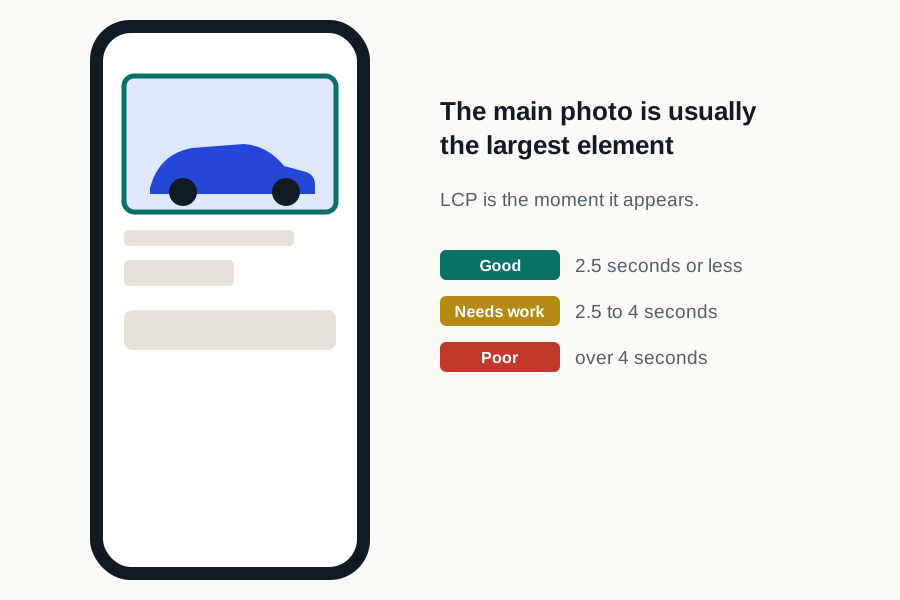
Full-width banners and video backgrounds look good on a desktop screen. On a phone they are often the largest thing on the page, which makes them the element Google's loading measure is timing.
Size the banner for the phone
- Serve a phone-sized banner, not the desktop file.
- Swap background video for a still image on mobile.
- Check which element the free speed test names as the largest; that's the one to fix first.
Check the homepage and a vehicle page separately
- 1
Homepage on mobile
Run it in the free speed test and note the largest element. If it is a banner or video, that is the first fix.
- 2
Vehicle page on mobile
Here the largest element should be the first vehicle photo. Make sure it isn't lazy-loaded and is sent at phone size.
- 3
Tap through the page
Open the gallery, tap the payment button and start a chat. Each should answer right away; a pause means a tool is busy starting up.
Two chat tools on one page
Dealer Inspire sites can come with built-in shopping and messaging features. A store that also runs another vendor's chat or retailing tool is loading two of each on every page. Pick one, or make sure both load after the vehicle.
The add-ons on top
Trade-in, retailing and every agency's tracking run on Dealer Inspire pages too. Site Speed Engine loads them right after the vehicle and price, on the Dealer Inspire site you already have, with nothing for your team to change. See Largest Contentful Paint for the image side.