Where trade-in tools load
The first two load on pages shoppers came to for a vehicle, so their code runs before anyone asks for a value.
- A banner or button on every vehicle page ("What's your trade worth?").
- A pop-up or slide-in offer.
- A full valuation form on its own page.
Order, not removal
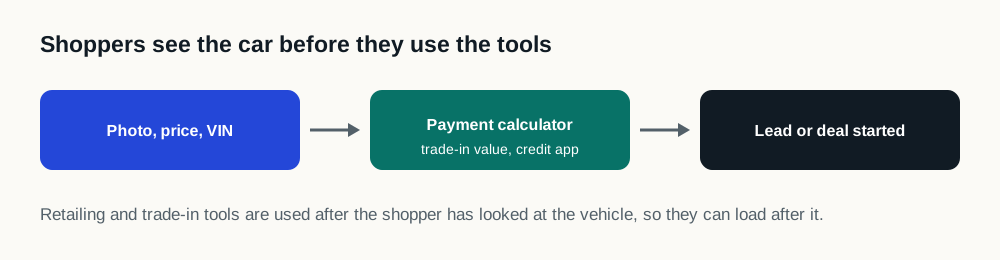
Reserve the banner's space so it doesn't push the page when it arrives, and let the tool load after the vehicle and price. Site Speed Engine does this on every page. The dedicated trade-in page keeps loading its form first, because there the form is the point.
Test the trade-in flow on a phone
- 1
Open a vehicle page from a real ad
Watch whether the trade-in banner arrives before or after the vehicle photo, and whether it moves the page.
- 2
Start a valuation
Enter a real vehicle and make sure the offer loads and the lead reaches your CRM.
- 3
Run the page in the free speed test
The report lists the trade-in vendor's code and how long it held the page.